

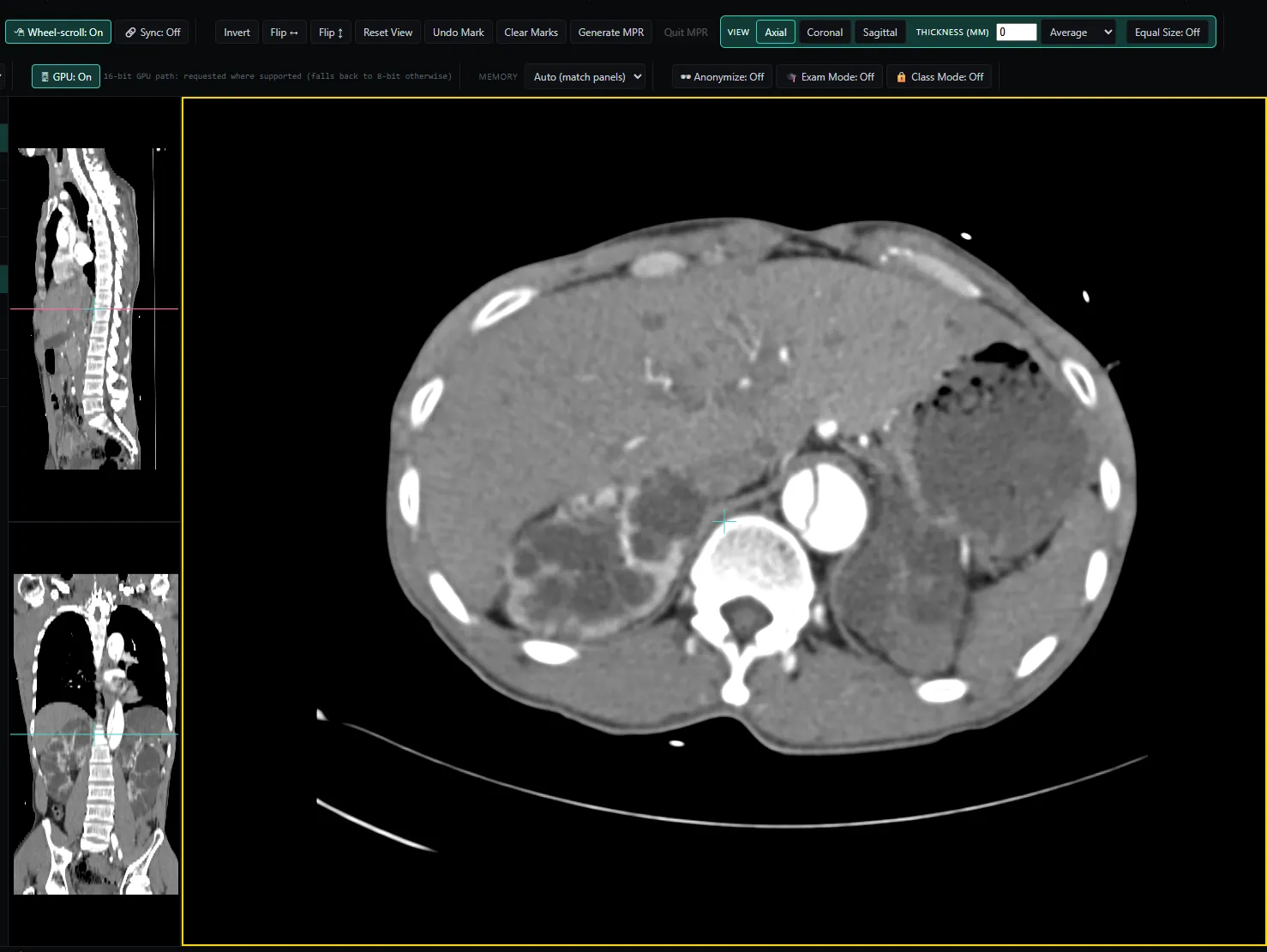
Multiplanar reconstruction
Axial, sagittal, coronal — each independently rotatable around any axis, never locked to 90°. Reference lines always show the others' real angle. GPU-accelerated where supported.
Free, browser-based, no install
Real multiplanar reconstruction — every plane freely rotatable, always mutually consistent. Runs entirely in this tab, with no account and no server in the imaging path. Nothing is uploaded unless you choose to share a case.
NoustaView is a free, browser-based DICOM viewer built by a radiologist for teaching and review; your images are opened locally and never uploaded unless you choose to share a case.
What happens when you open a study
Opt-in exceptions
Only when you choose to send a de-identified copy, after its own preview.
Screening-centre clinic accounts only: an encrypted, pixel-only copy, opened by the centre's assigned reviewers for a technical adequacy check — never for diagnosis. Deleted at most 3 days after it was sent.
What it does
Axial, sagittal, coronal — each independently rotatable around any axis, never locked to 90°. Reference lines always show the others' real angle. GPU-accelerated where supported.
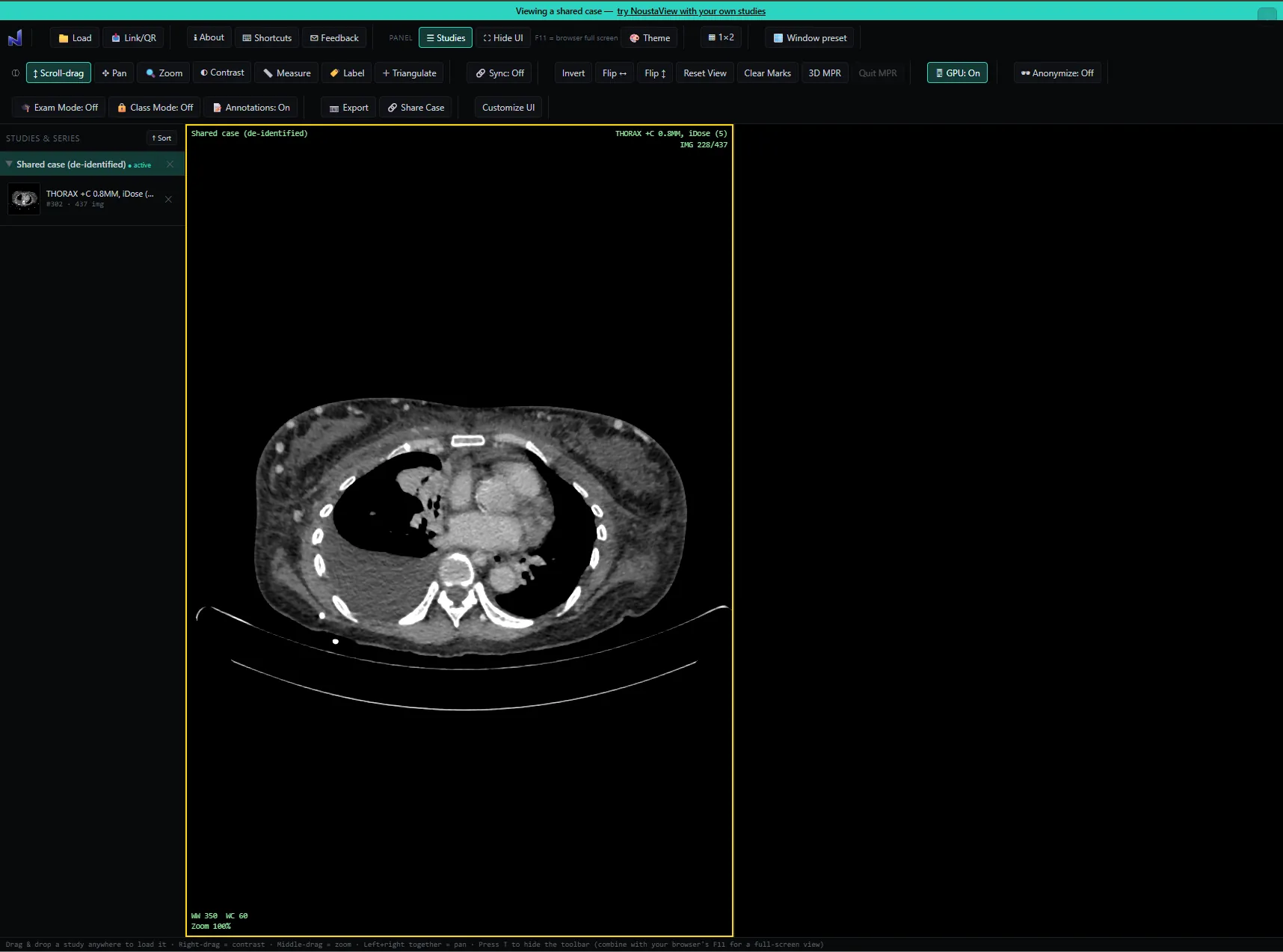
Reconstruct thicker slabs on the fly, and switch between averaging and MIP to bring vessels and calcification forward. Window/level, zoom, pan, length and angle measurement, and an adjustable HU probe.
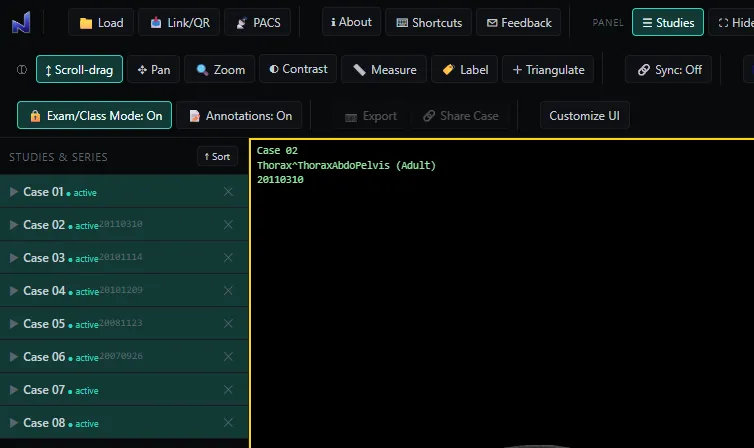
Load your exam or teaching cases once, then safely unplug the source drive. Export, printing and sharing stay locked for the session, and the mode can't be switched off — closing the tab is the only way out.
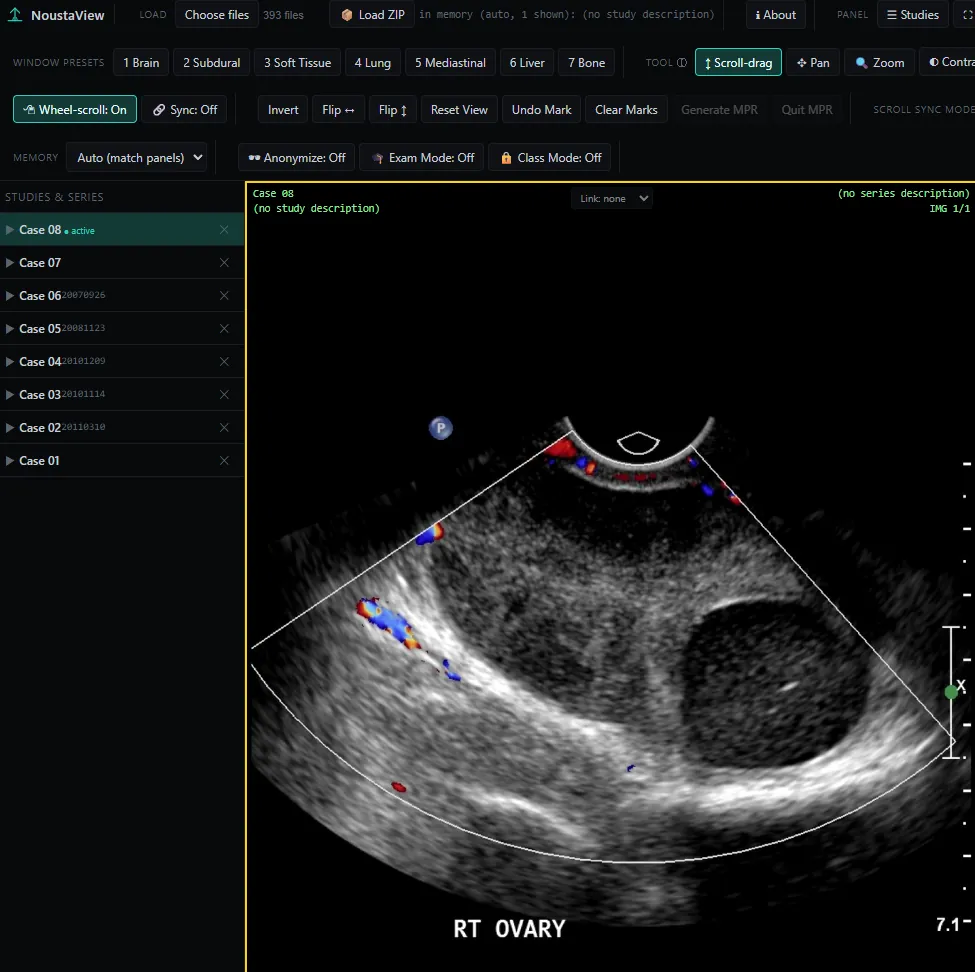
A Doppler ultrasound study, with a full set of teaching cases loaded in the sidebar.
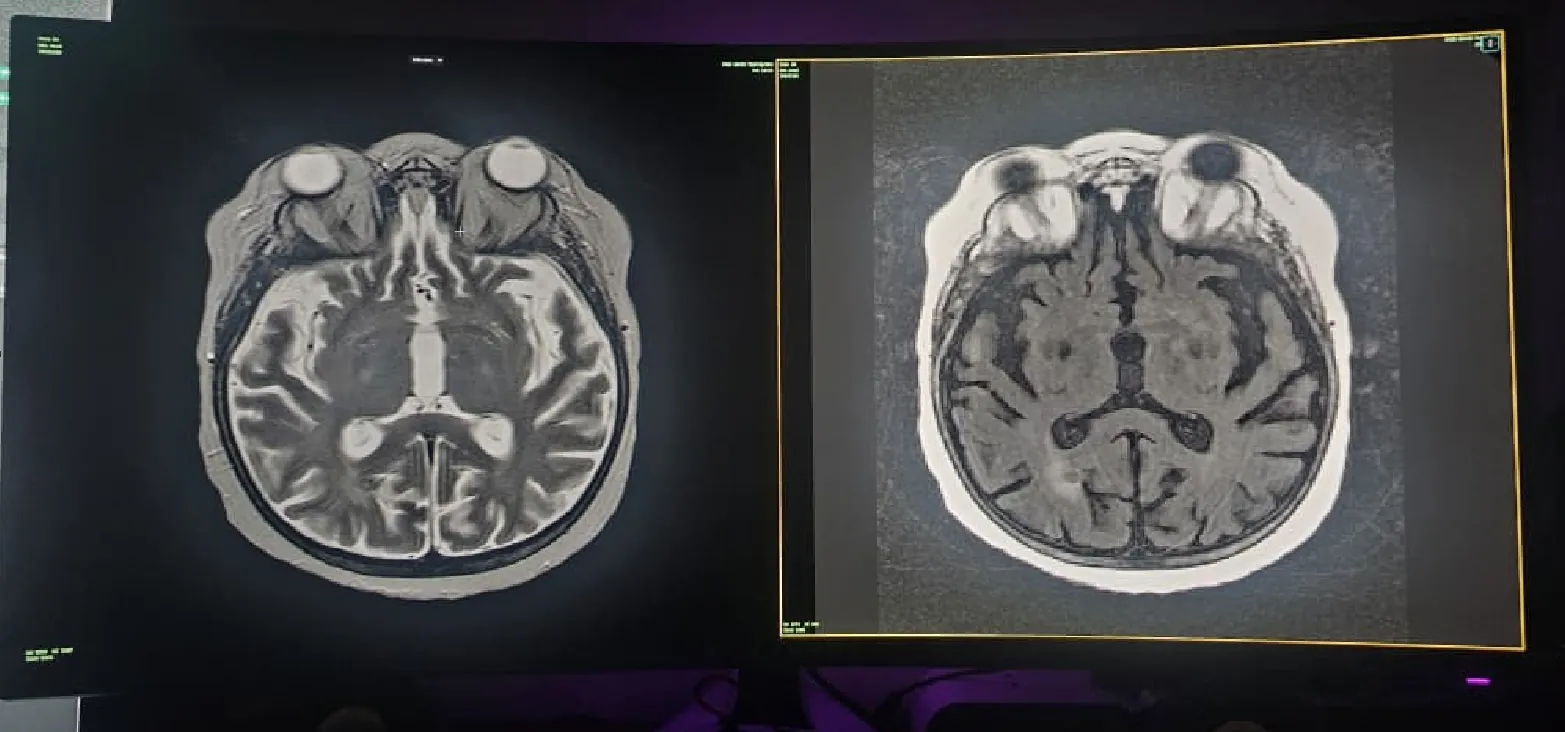
Press F11 for your browser's own full screen, then T to hide NoustaView's toolbar too — a completely clean reading view, run entirely by keyboard shortcuts from there.
Works everywhere you do
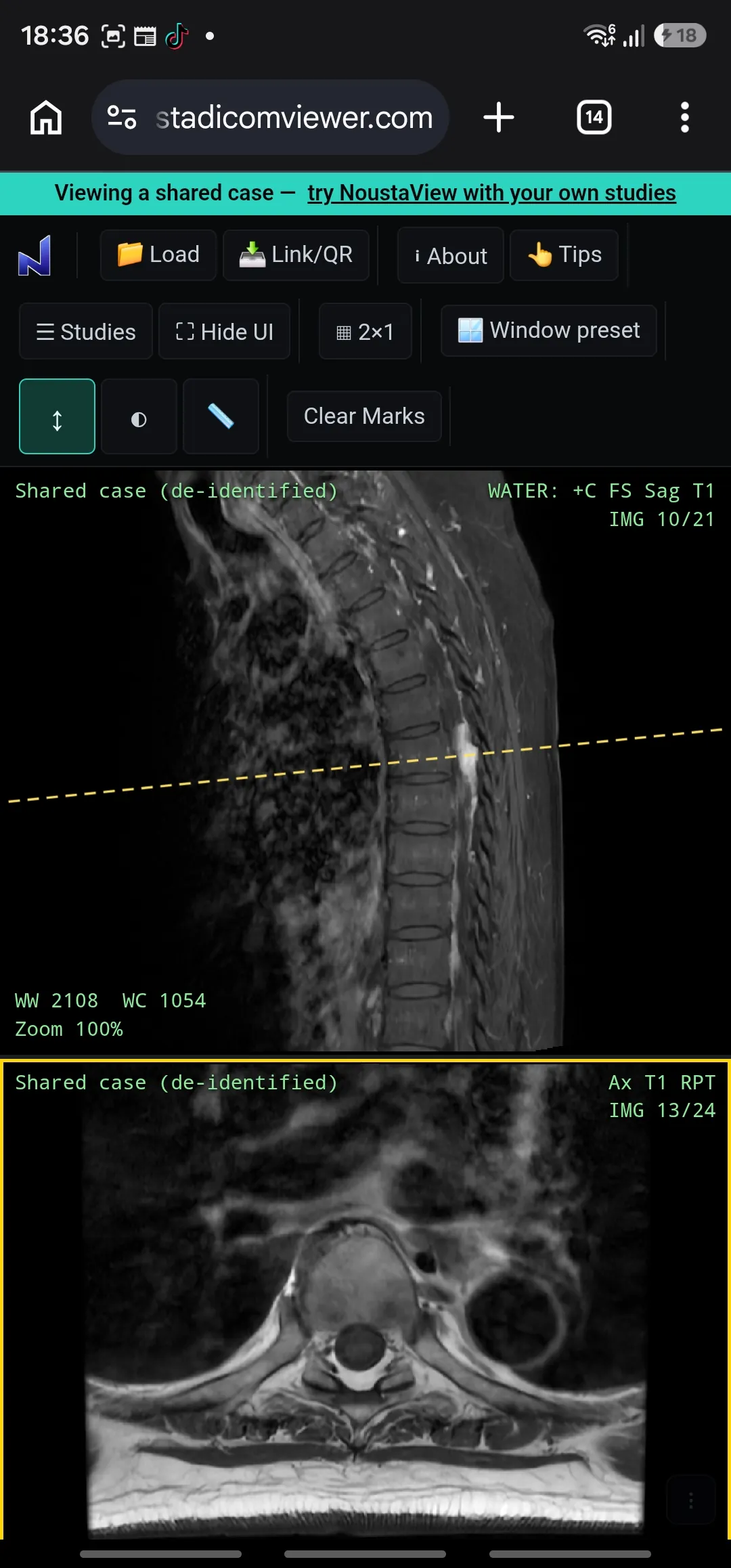
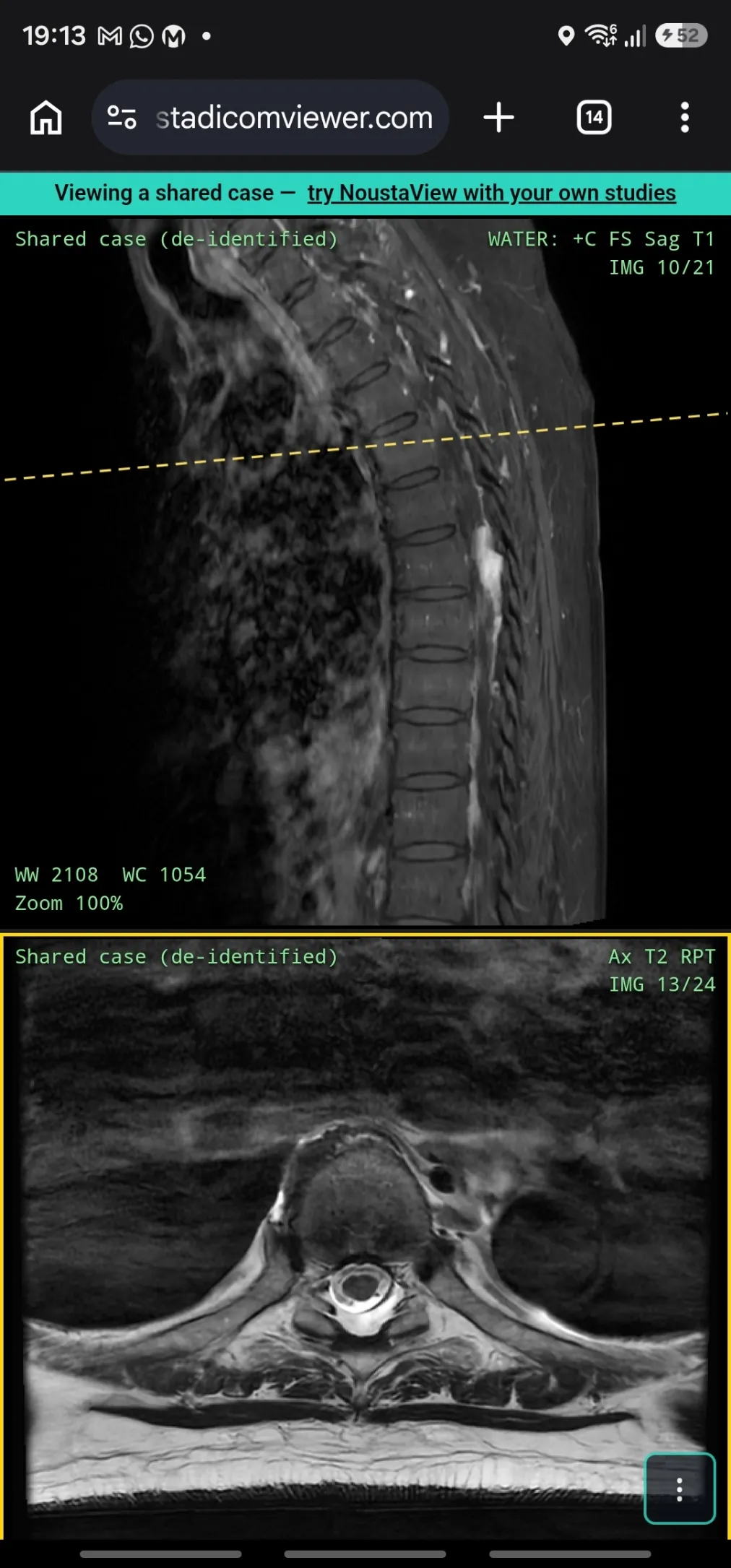
Desktop gets the complete toolset — every measurement tool, multi-panel layouts, all six themes, full 3D MPR. On a phone or tablet, the toolbar narrows to what works with a thumb: scroll-drag, pinch-zoom, swipe between series. Case sharing works fully on both — open a shared link on your phone with no install, same as on a workstation.
Make it yours
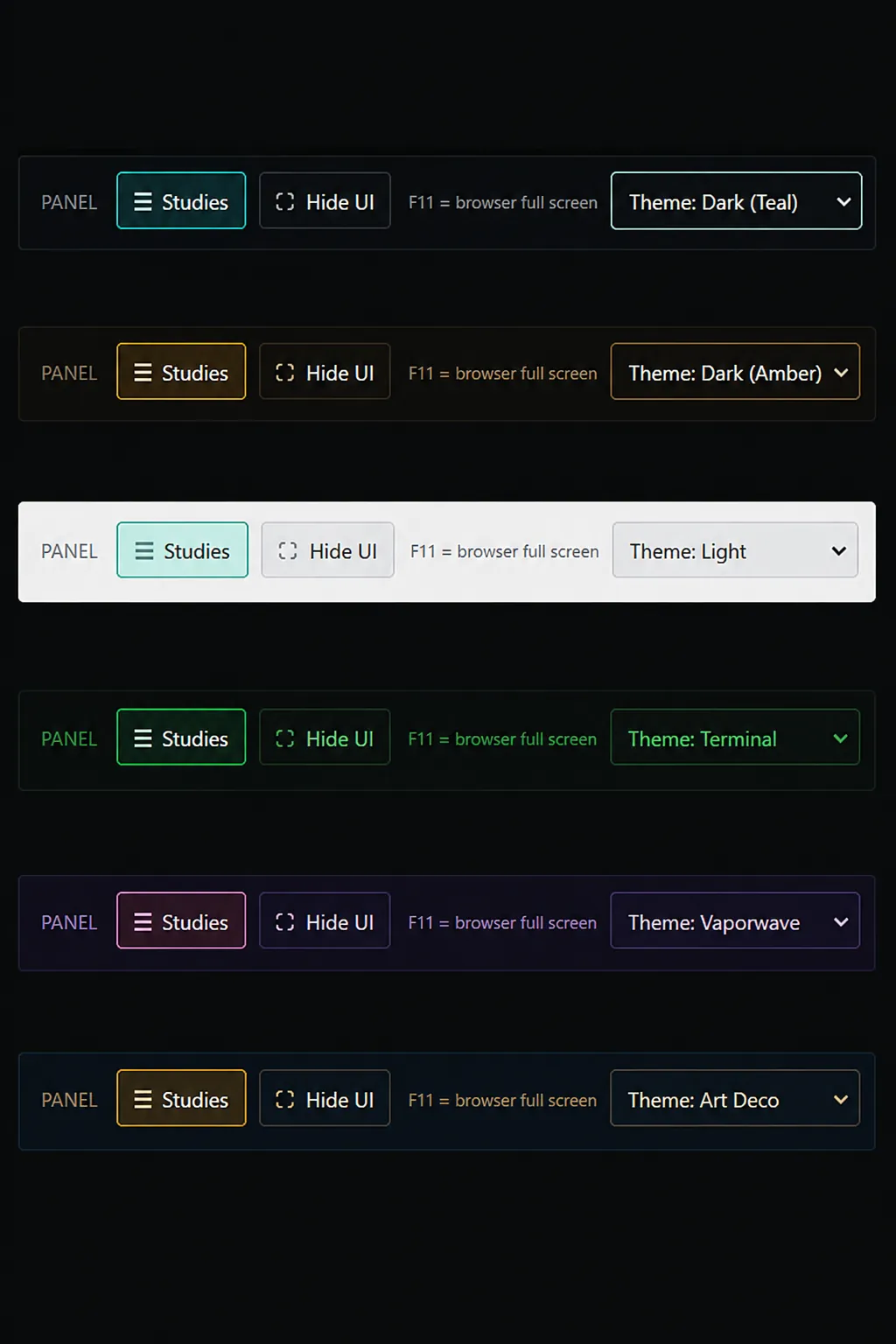
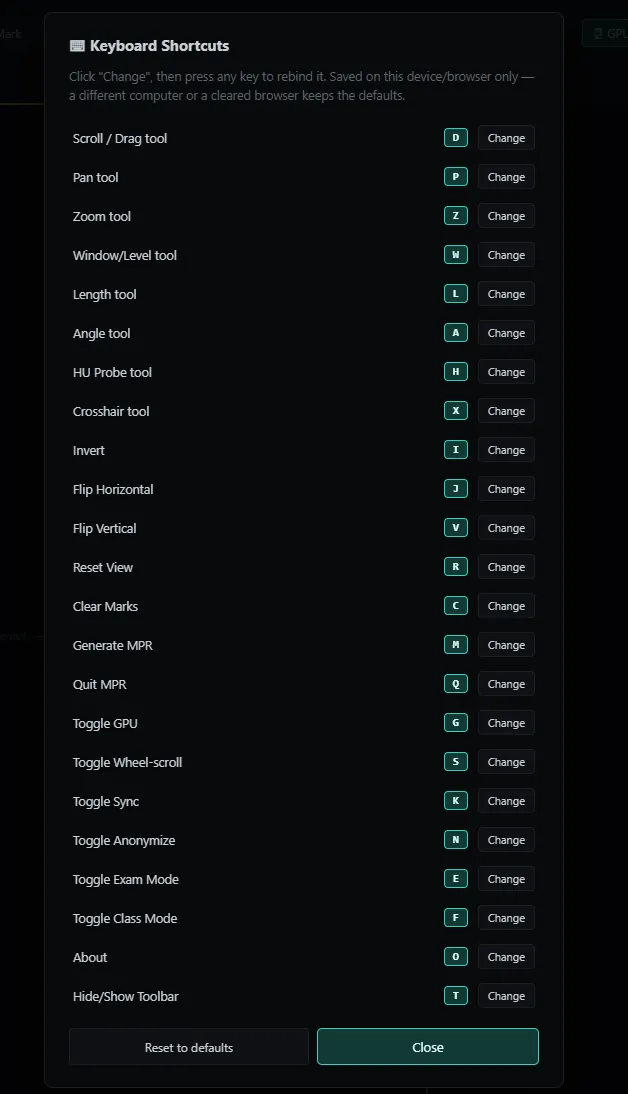
Six color themes, from clinical Dark Teal to Terminal or Vaporwave. Every keyboard shortcut is yours to rebind, saved right on your own machine. Set it up once, and it stays that way.
Supports the project, not a paywall
The viewer, MPR, measurements, Exam Mode and image export are free, permanently, for every student, teacher and reviewer. Supporter is $2/month or $15/year; Pro, built for running a whole class through case sharing, is $7/month or $50/year.
“Most of what's out there is either not affordable, or clearly wasn't designed with students in mind. And a lot of the time, what someone actually needs is small — a teacher running one exam, a student reviewing one case. That shouldn't need an install or a hospital IT ticket. It should just open, get used, and be forgotten about until next time.”
— Dr. KW Chan
Radiologist & Interventional Radiologist
This is a review and teaching tool. It is not a certified medical device and is not intended for primary diagnostic use. It does not replace a calibrated diagnostic workstation.
How to use NoustaView
Load a study, pick a series, use the mouse and keyboard, then export, share, and read on your phone.
Common questions
Yes. The viewer, MPR, measurements, Exam Mode and image export are free, permanently, for every student, teacher and reviewer. Share Case hosting will be funded by optional Supporter and Pro subscriptions.
No. A study you open is decoded and rendered entirely inside this browser tab, and no server is in the imaging path. Nothing is uploaded or retained unless you choose Share Case (Supporter and Pro), which uploads a de-identified copy that you review and confirm first, to a link you control; close the tab and the opened study is gone.
It runs in the browser, so there is nothing to install on any of them. Use a Chromium browser (Chrome, Edge, Brave or Opera): Firefox and Safari open the viewer, but folder loading may not work there; on iPhone and iPad every browser uses Safari's engine, so expect the same. Desktop gets the complete toolset; on a phone or tablet the toolbar narrows to what works with a thumb, and case sharing works fully on both.
No. NoustaView is a review and teaching tool. It is not a certified medical device and is not intended for primary diagnostic use, and it does not replace a calibrated diagnostic workstation.
Yes. Exam/Class Mode loads your exam or teaching cases once, then you can safely unplug the source drive; export, printing and sharing stay locked for the session, and the mode cannot be switched off.
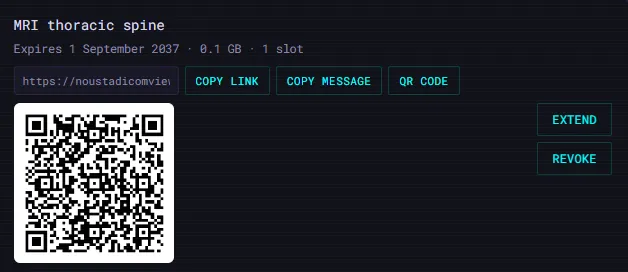
Share Case (Supporter and Pro) sends a de-identified copy, which you review and confirm first, to a link you control; set a password or an expiry, or revoke it early, all from your dashboard. Text burned into pixels (common on ultrasound) can be missed, so check the preview yourself. Whoever opens it needs no account and no install.
