

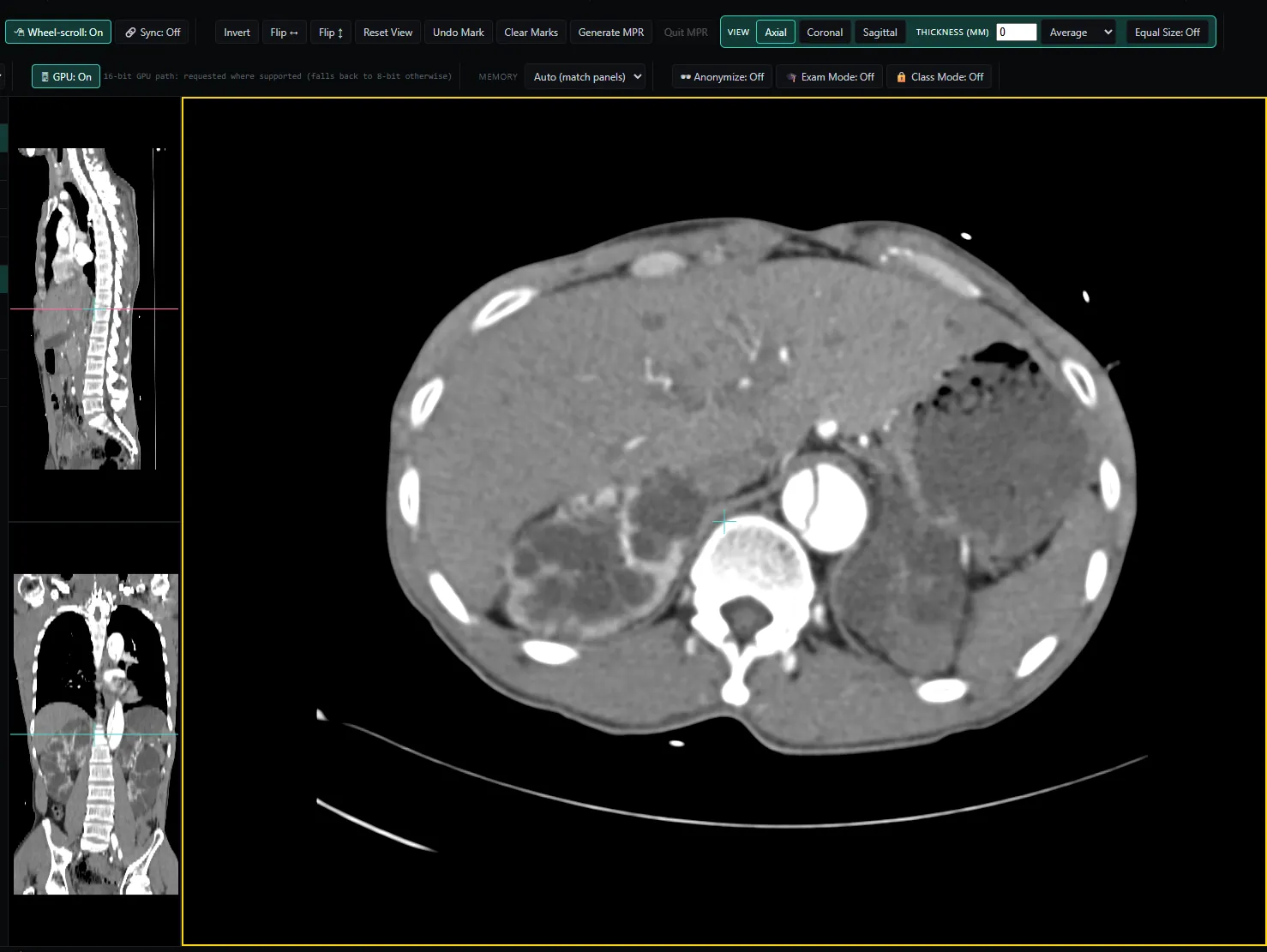
Multiplanar reconstruction
Axial, sagittal, coronal — each independently rotatable around any axis, never locked to 90°. Reference lines always show the others' real angle. GPU-accelerated where supported.
Free, browser-based, no install
Real multiplanar reconstruction — every plane freely rotatable, always mutually consistent. Runs entirely in this tab, with no account and no server in the imaging path. Nothing is uploaded unless you choose to share a case.
A free, browser-based DICOM viewer built by a radiologist for teaching and review.
What happens when you open a study
Opt-in exceptions
Only when you choose to send a de-identified copy. You preview it first. Sending needs a Google or personal Microsoft sign-in.
Screening-centre clinic accounts only: an encrypted, pixel-only copy, opened by the centre's assigned reviewers for a technical adequacy check — never for diagnosis. Deleted at most 3 days after it was sent.
What it does
Axial, sagittal, coronal — each independently rotatable around any axis, never locked to 90°. Reference lines always show the others' real angle. GPU-accelerated where supported.
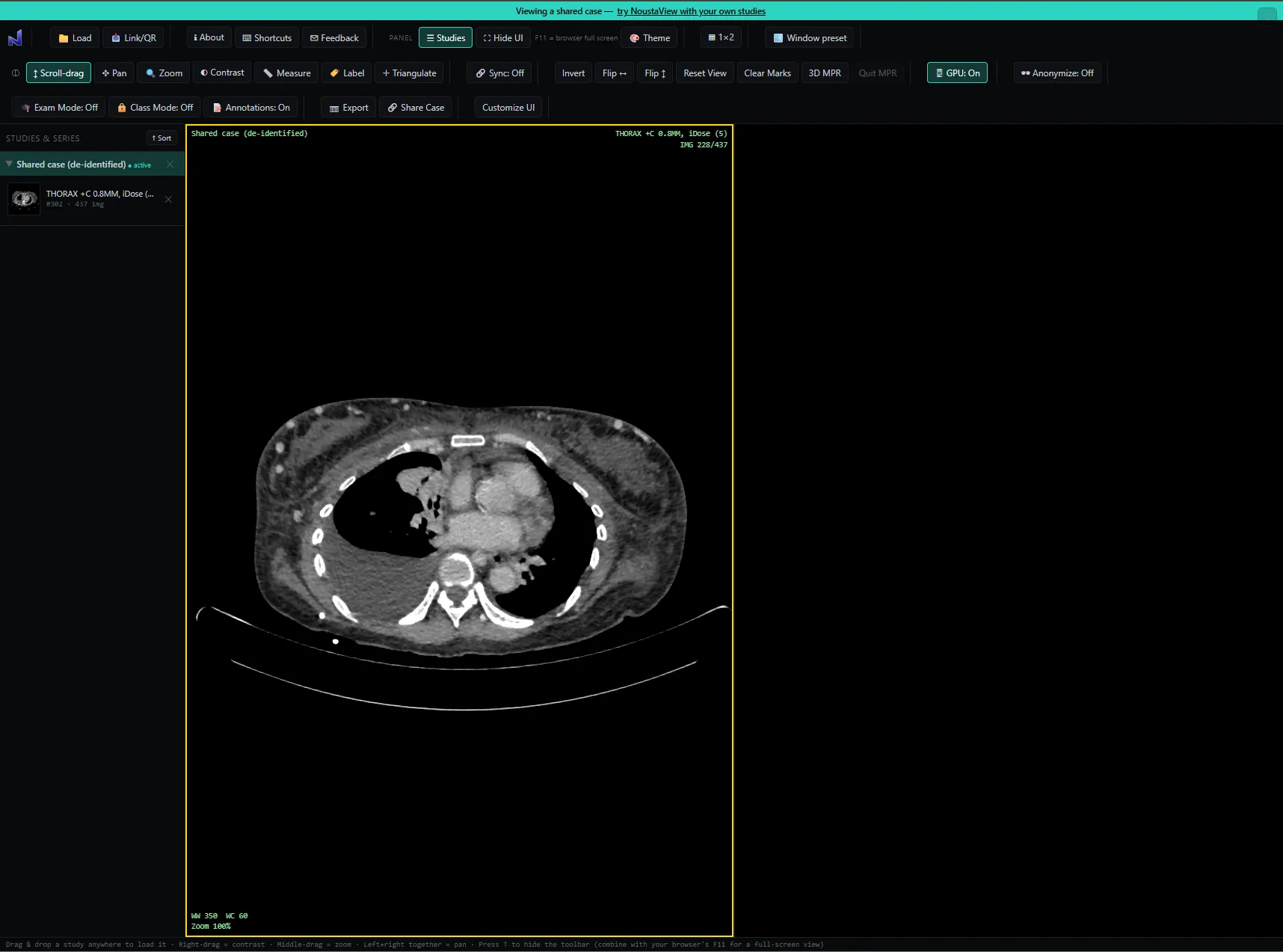
Reconstruct thicker slabs on the fly, and switch between averaging and MIP to bring vessels and calcification forward. Window/level, zoom, pan, length and angle measurement, and an adjustable HU probe.
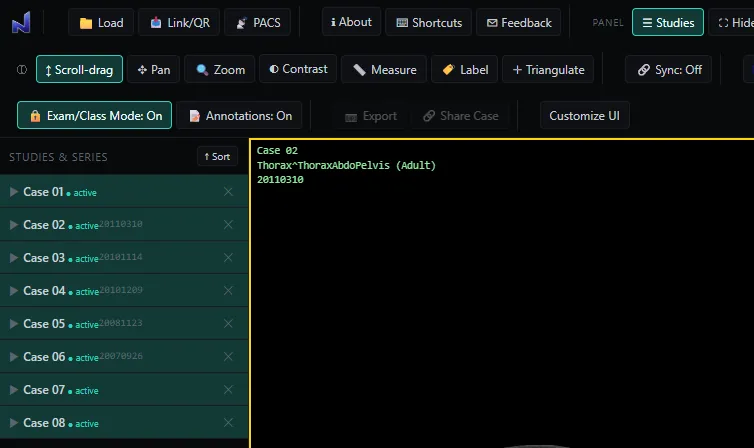
Load your exam or teaching cases once, then safely unplug the source drive. Export, printing and sharing stay locked for the session, and the mode can't be switched off — closing the tab is the only way out.
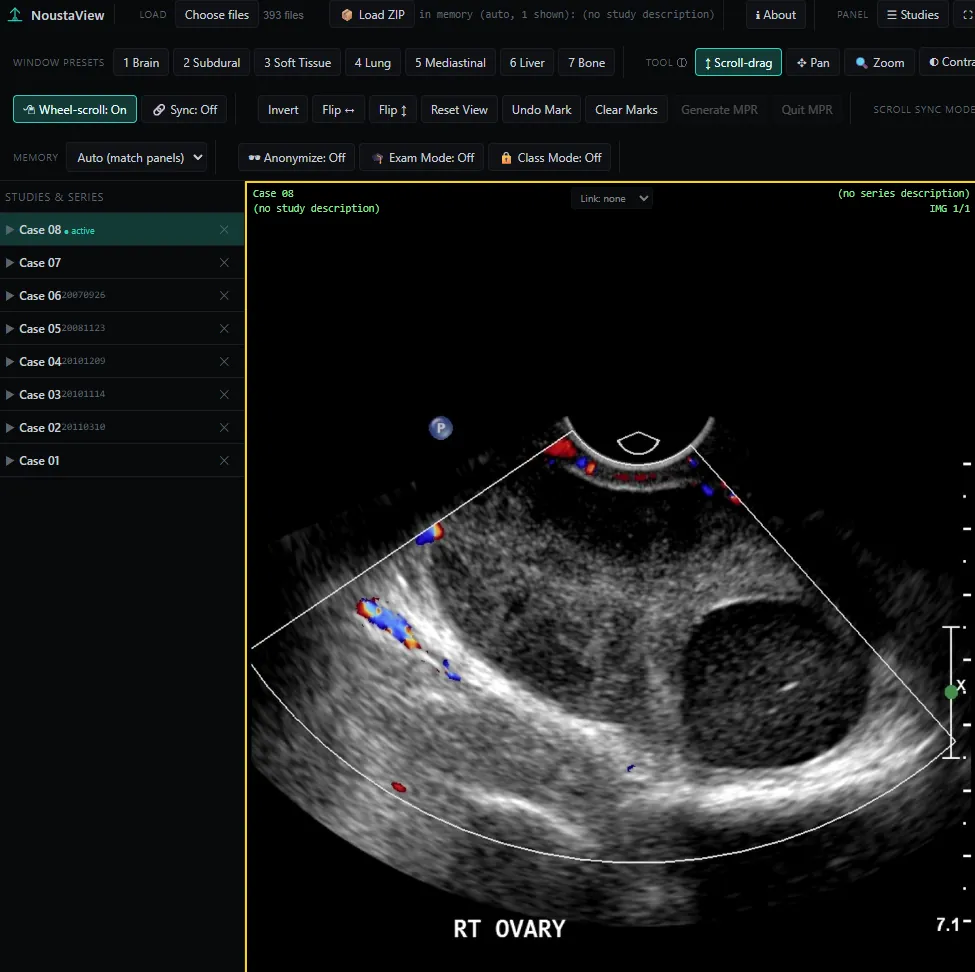
A Doppler ultrasound study, with a full set of teaching cases loaded in the sidebar.
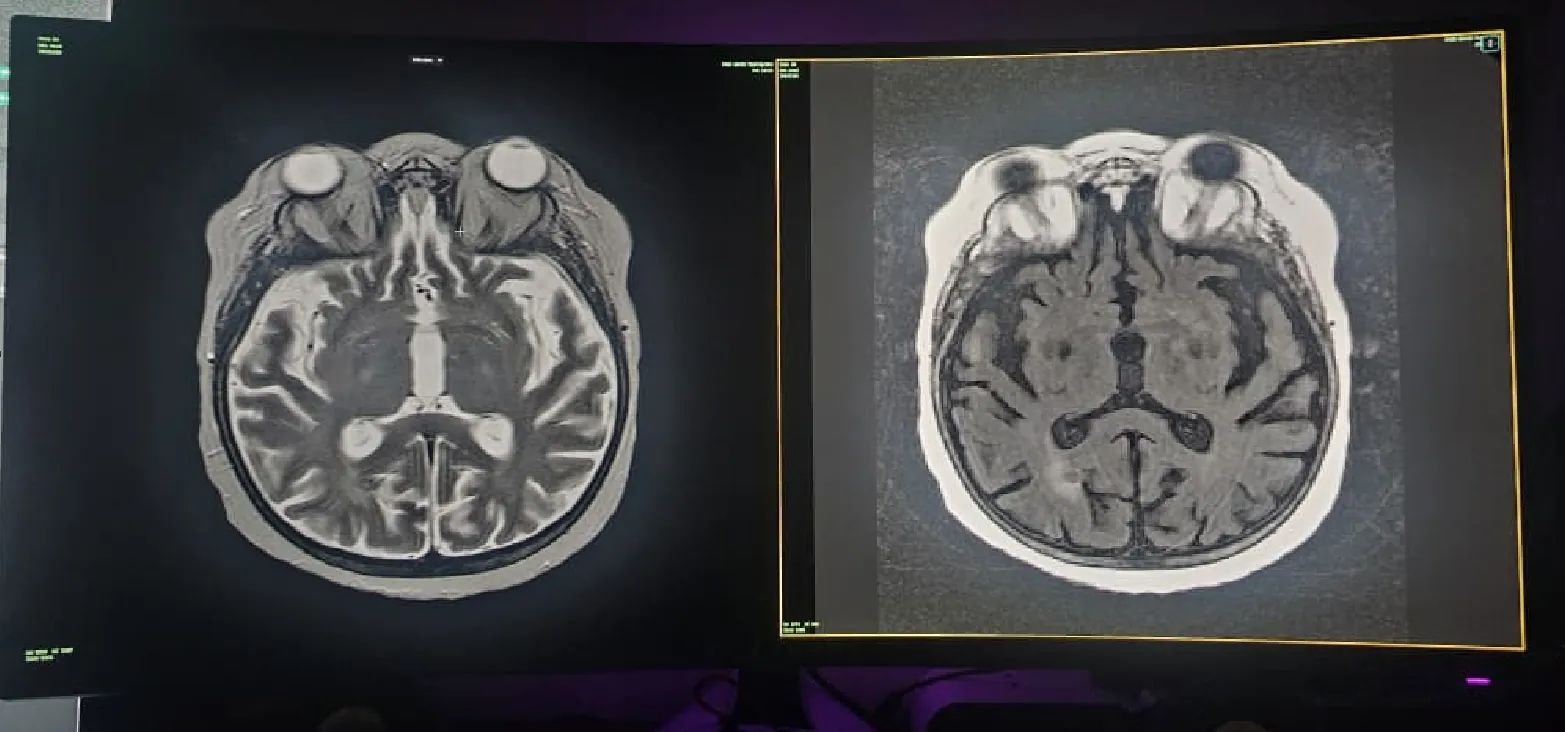
Press F11 for full screen, then T to hide NoustaView's toolbar. Everything runs from the keyboard.
Works everywhere you do
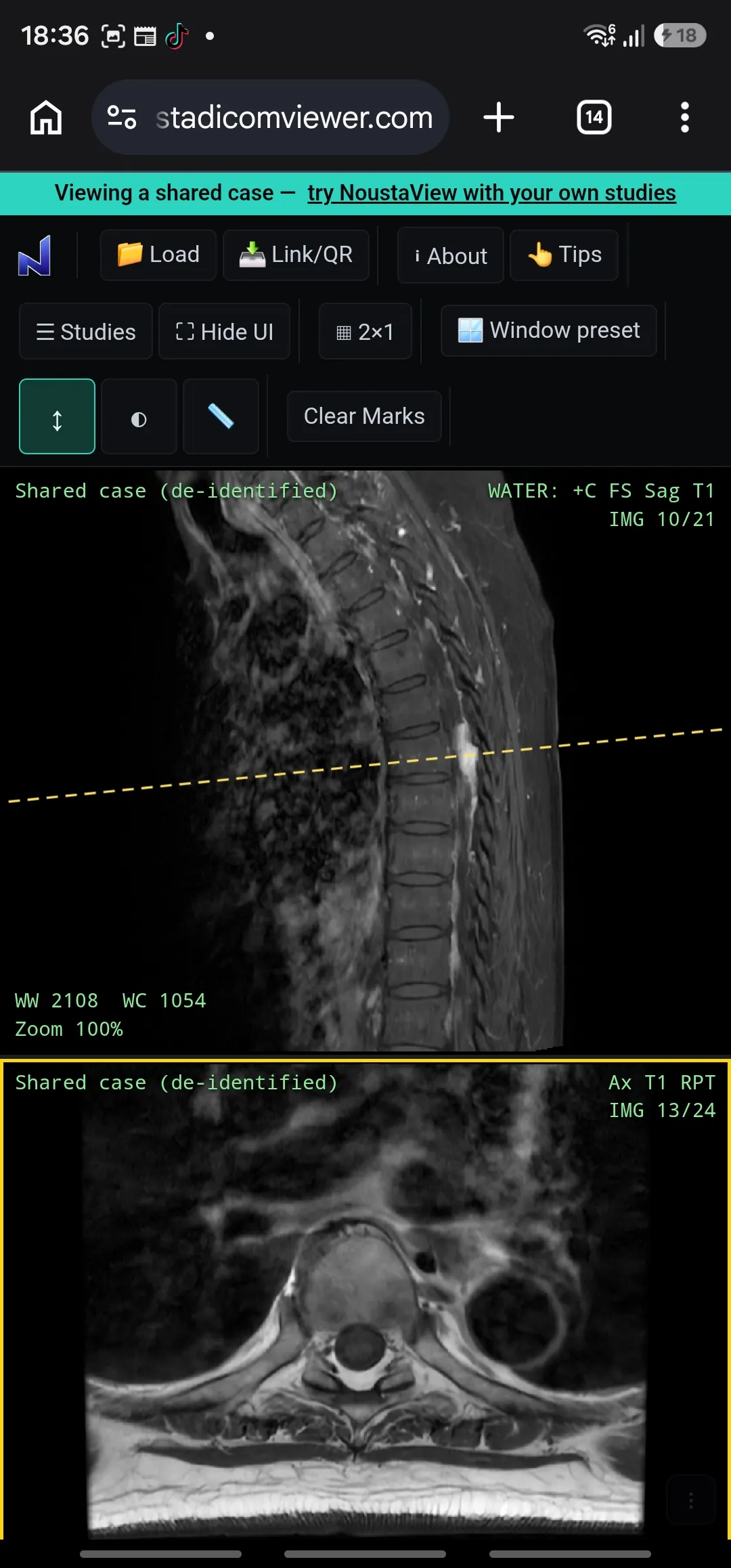
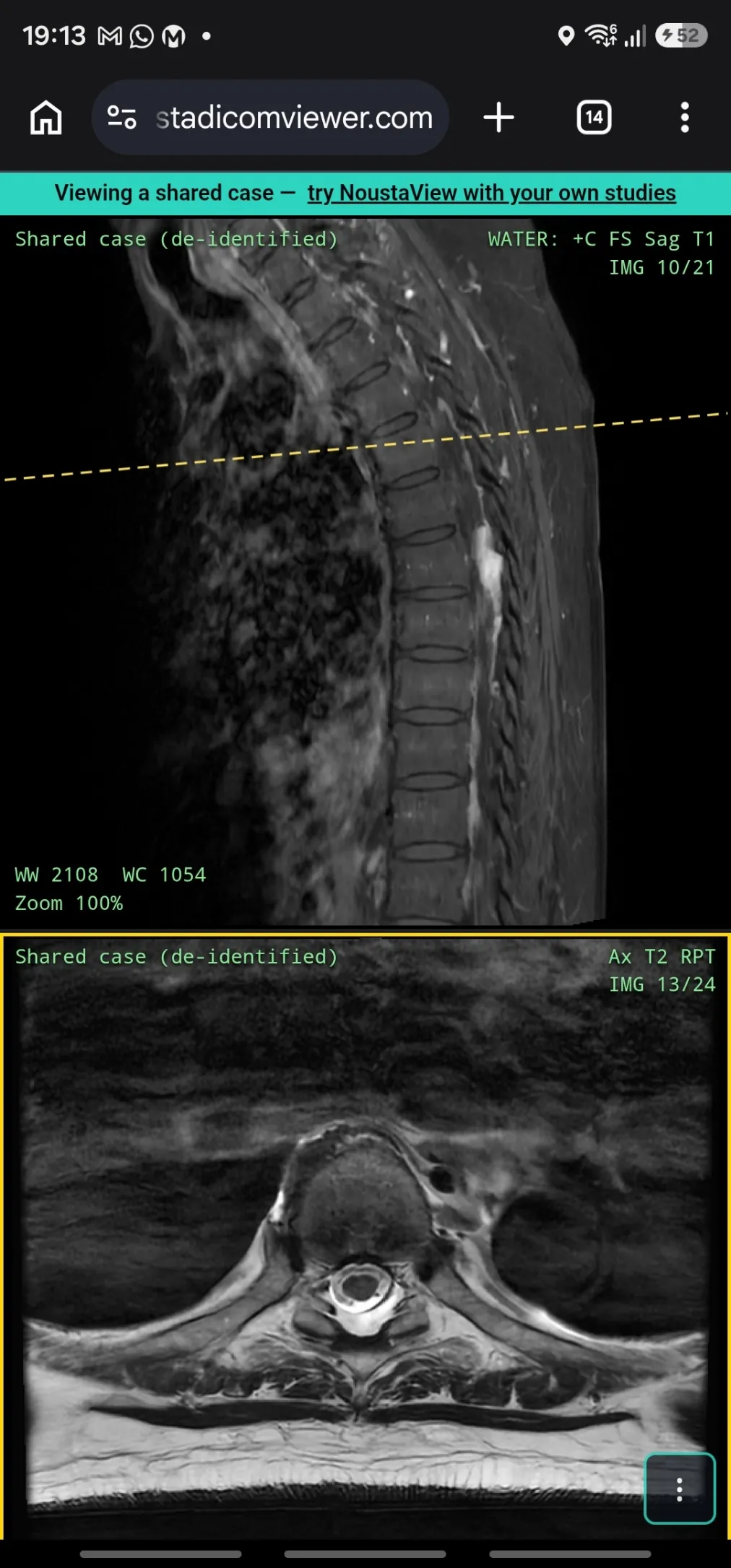
Desktop has the full toolset, including every measurement tool, multi-panel layouts, all six themes and full 3D MPR. On a phone or tablet, the toolbar shows what works with a thumb: scroll-drag, pinch-zoom, swipe between series. Case sharing works on both; shared links open on a phone with no install, same as on a workstation.
Make it yours
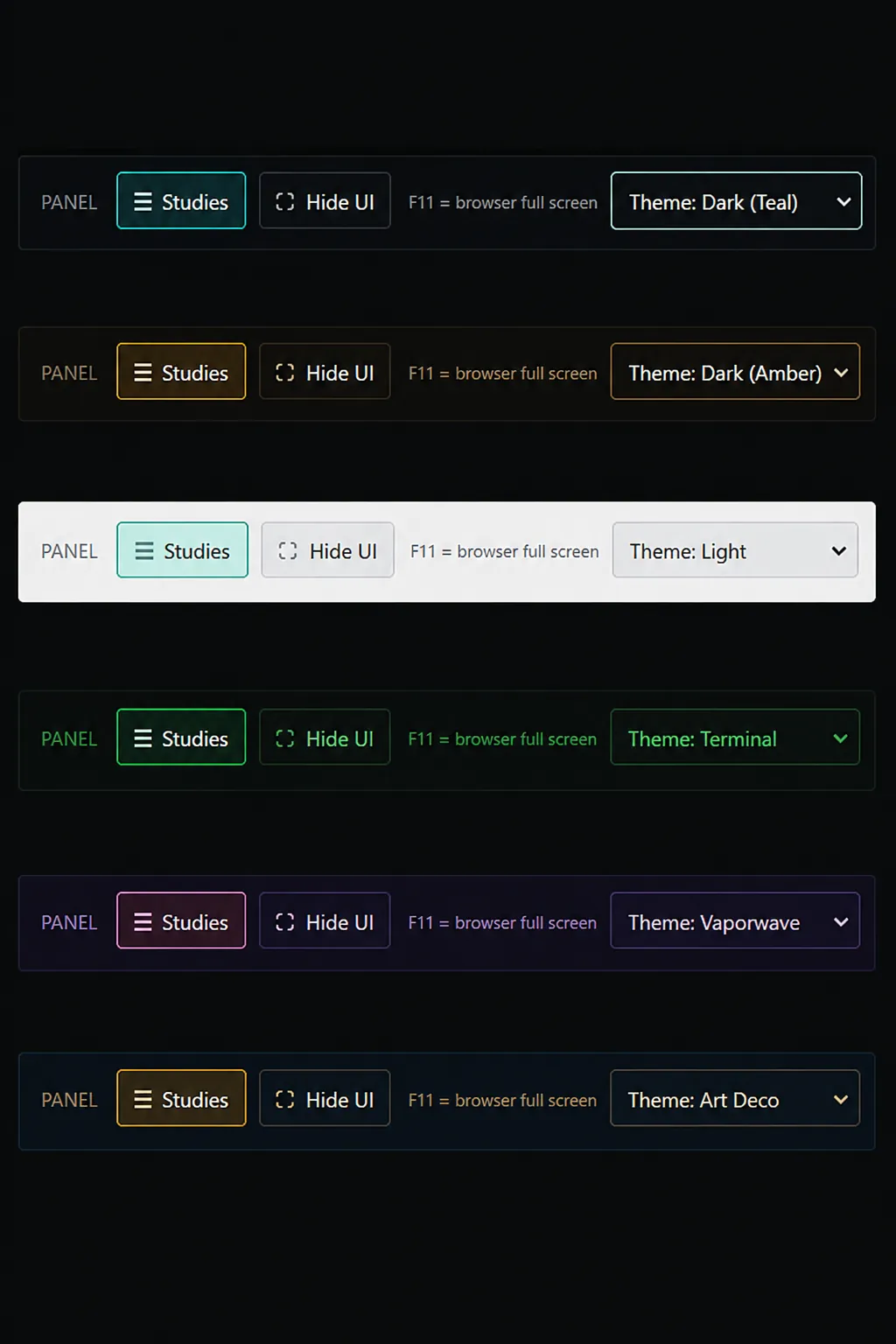
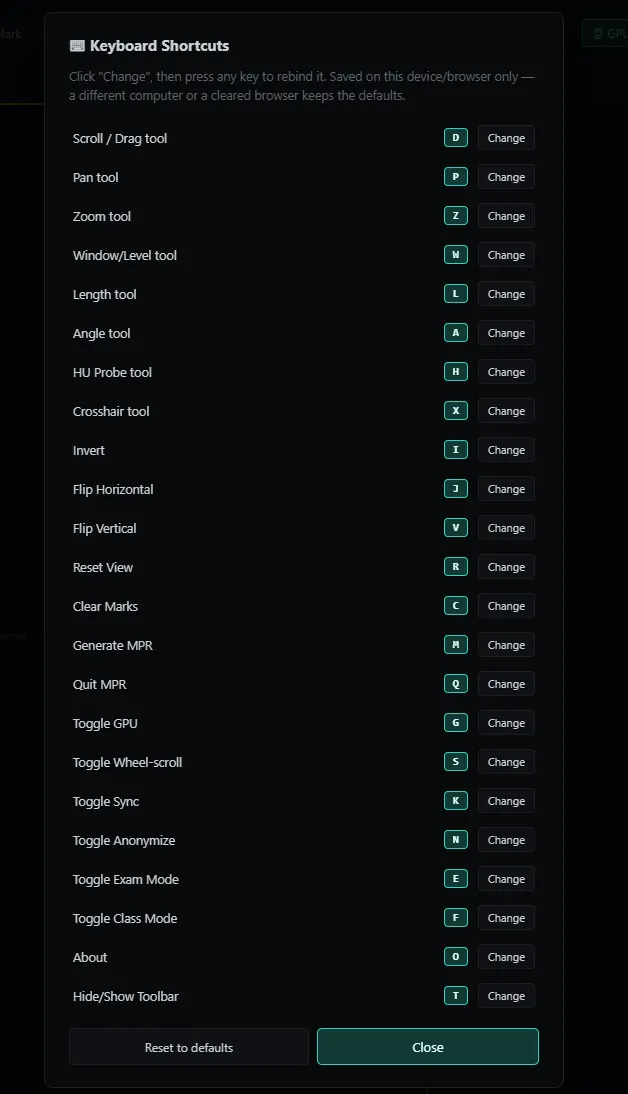
Six color themes, from clinical Dark Teal to Terminal or Vaporwave. Every keyboard shortcut is yours to rebind, saved right on your own machine. Set it up once, and it stays that way.
Supports the project, not a paywall
The viewer, MPR, measurements, Exam Mode and image export are free, permanently, for every student, teacher and reviewer. Supporter is $2/month or $15/year; Pro, built for running a whole class through case sharing, is $7/month or $50/year.
“Most of what's out there is either not affordable, or clearly wasn't designed with students in mind. And a lot of the time, what someone actually needs is small — a teacher running one exam, a student reviewing one case. That shouldn't need an install or a hospital IT ticket. It should just open, get used, and be forgotten about until next time.”
— Dr. KW Chan
Radiologist & Interventional Radiologist
This is a review and teaching tool. It is not a certified medical device and is not intended for primary diagnostic use. It does not replace a calibrated diagnostic workstation.
How to use NoustaView
Load a study, pick a series, use the mouse and keyboard, then export, share, and read on your phone.
Common questions
Yes. The viewer, MPR, measurements, Exam Mode and image export are free, permanently, for every student, teacher and reviewer. Share Case hosting will be funded by optional Supporter and Pro subscriptions.
No. Your study is decoded and rendered entirely in this browser tab, with no server in the imaging path. Nothing is uploaded or kept unless you use Share Case (Supporter and Pro). That sends a de-identified copy, which you review and confirm first, to a link you control, and needs a Google or personal Microsoft sign-in. Close the tab and the opened study is gone.
Nothing to install: it runs in the browser. Use Chrome, Edge, Brave or Opera (Chromium). Firefox and Safari open the viewer, but folder loading may not work. iPhone and iPad browsers all use Safari's engine, so the same applies there. Desktop has the full toolset; phones and tablets get a thumb-friendly toolbar, and case sharing works on both.
No. NoustaView is a review and teaching tool. It is not a certified medical device and is not intended for primary diagnostic use, and it does not replace a calibrated diagnostic workstation.
Yes. Exam/Class Mode loads your exam or teaching cases once, then you can safely unplug the source drive; export, printing and sharing stay locked for the session, and the mode cannot be switched off.
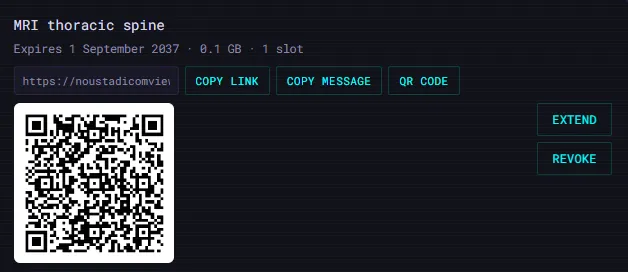
Share Case (Supporter and Pro) sends a de-identified copy, which you review and confirm first, to a link you control; set a password or an expiry, or revoke it early, all from your dashboard. Text burned into pixels (common on ultrasound) can be missed, so check the preview yourself. Sharing needs a Google or personal Microsoft sign-in with the email you subscribed with. Whoever opens it needs no account and no install.
More answers in the full FAQ.
