
Compare
Horos for Windows: a browser-based alternative.
Horos is a free, open-source DICOM viewer for macOS; its website lists macOS and Apple Silicon builds (checked October 2026). On Windows, a browser-based viewer such as NoustaView opens DICOM files without an install.
What Horos's website says
The Horos website lists macOS builds, including Apple Silicon. Horos is free and open source under LGPL 3.0, and it installs as a desktop app. For Windows users, the site points to a different product.
Checked October 2026 at horosproject.org. Horos is a trademark of its owner; NoustaView isn't affiliated.
Opening DICOM on Windows in the browser
- Open noustadicomviewer.com/app/ in Chrome or Edge.
- Open a file, a folder or a .zip from your drive, or drag it onto the viewer.
The study is decoded and rendered in the tab. Nothing is uploaded unless you choose Share Case, and closing the tab removes the study.
What you get in NoustaView
- Multiplanar reconstruction in axial, sagittal and coronal planes, freely rotatable around any axis, with thickness (mm) slabs and Average or MIP projection.
- Length, angle and HU probe measurements, and built-in CT window presets on keys 1 to 7.
- Exam/Class Mode for teaching sets and exams.
- Share Case, a Supporter and Pro feature: a de-identified copy goes up only after a preview you confirm, and the recipient needs no account.
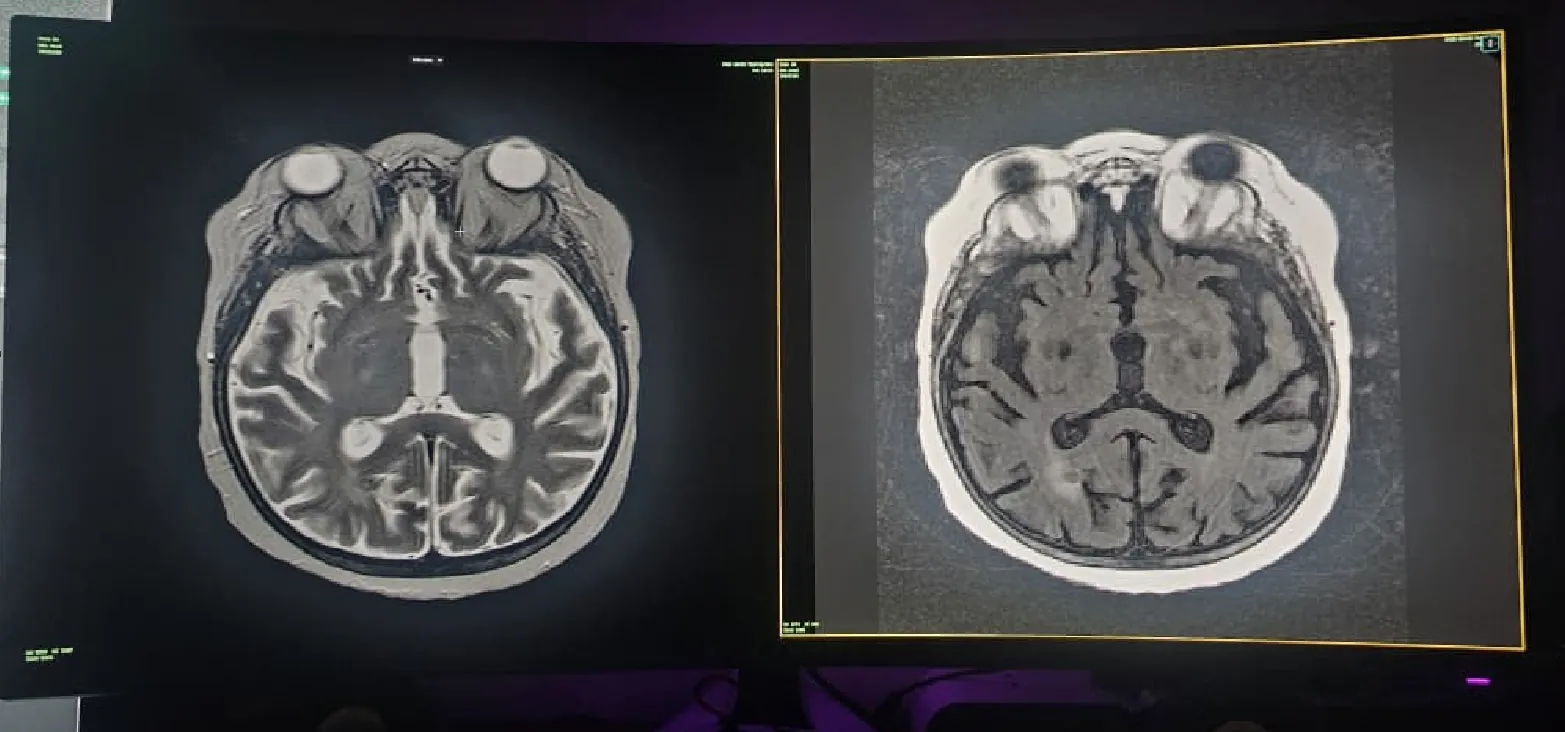
Horos and NoustaView side by side
| Feature | Horos | NoustaView |
|---|---|---|
| Runs on | macOS (including Apple Silicon) | Runs in the browser (Chromium recommended) |
| Install needed | Yes (desktop install) | No install |
| Free use terms | Free and open source (LGPL 3.0) | Viewer, MPR, measurements, Exam Mode and image export are free |
| Oblique MPR | — | Yes |
| MIP | — | Yes |
— means the product's website doesn't state it.
Other Windows options
- RadiAnt DICOM Viewer offers downloads for Windows as an installer. Its feature list includes oblique MPR.
- MicroDicom runs on Windows as an installer or portable version. It is free for non-commercial use and lists oblique MPR with MIP, MinIP and AVG projections.
For a wider table, see free DICOM viewers compared.
Related
It is not a certified medical device and is not intended for primary diagnostic use, and it does not replace a calibrated diagnostic workstation.